> ## Documentation Index
> Fetch the complete documentation index at: https://docs.paradigmai.com/llms.txt
> Use this file to discover all available pages before exploring further.
# Export Data
Click the `Export` button to export the selected rows to a CSV or XLSX file.
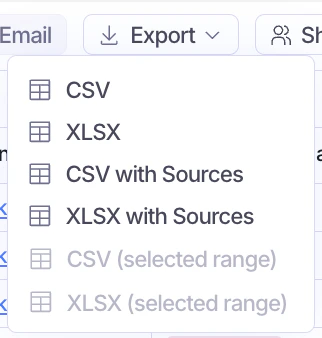
You can export in the following formats:
* CSV
* XLSX
* CSV with sources
* XLSX with sources
* CSV (selected range)
* XLSX (selected range)
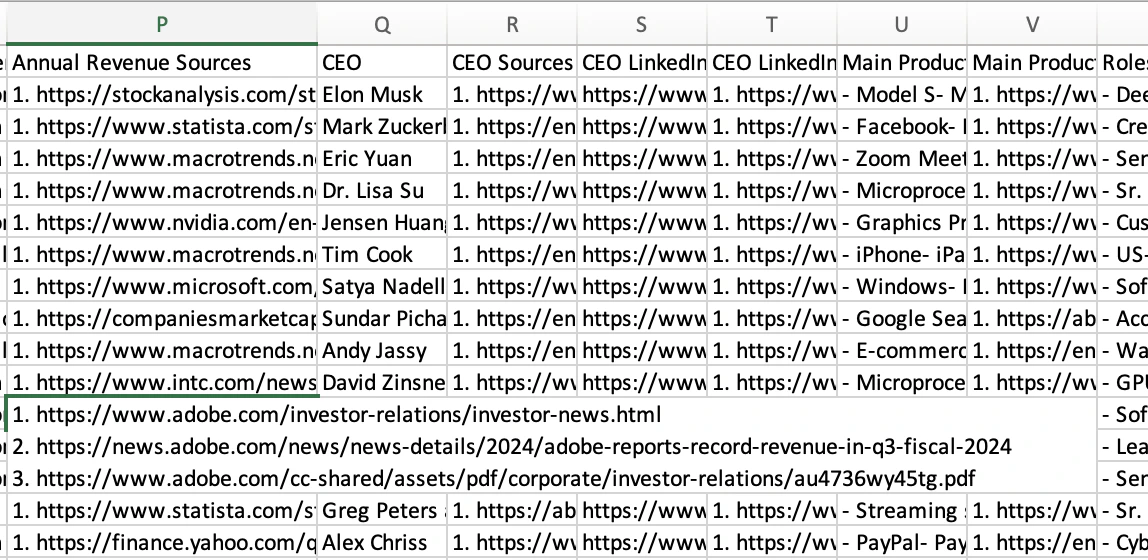
 If you export with sources, we include a sources column to the right of each existing column that contains the list of sources used to enrich the data in each column.
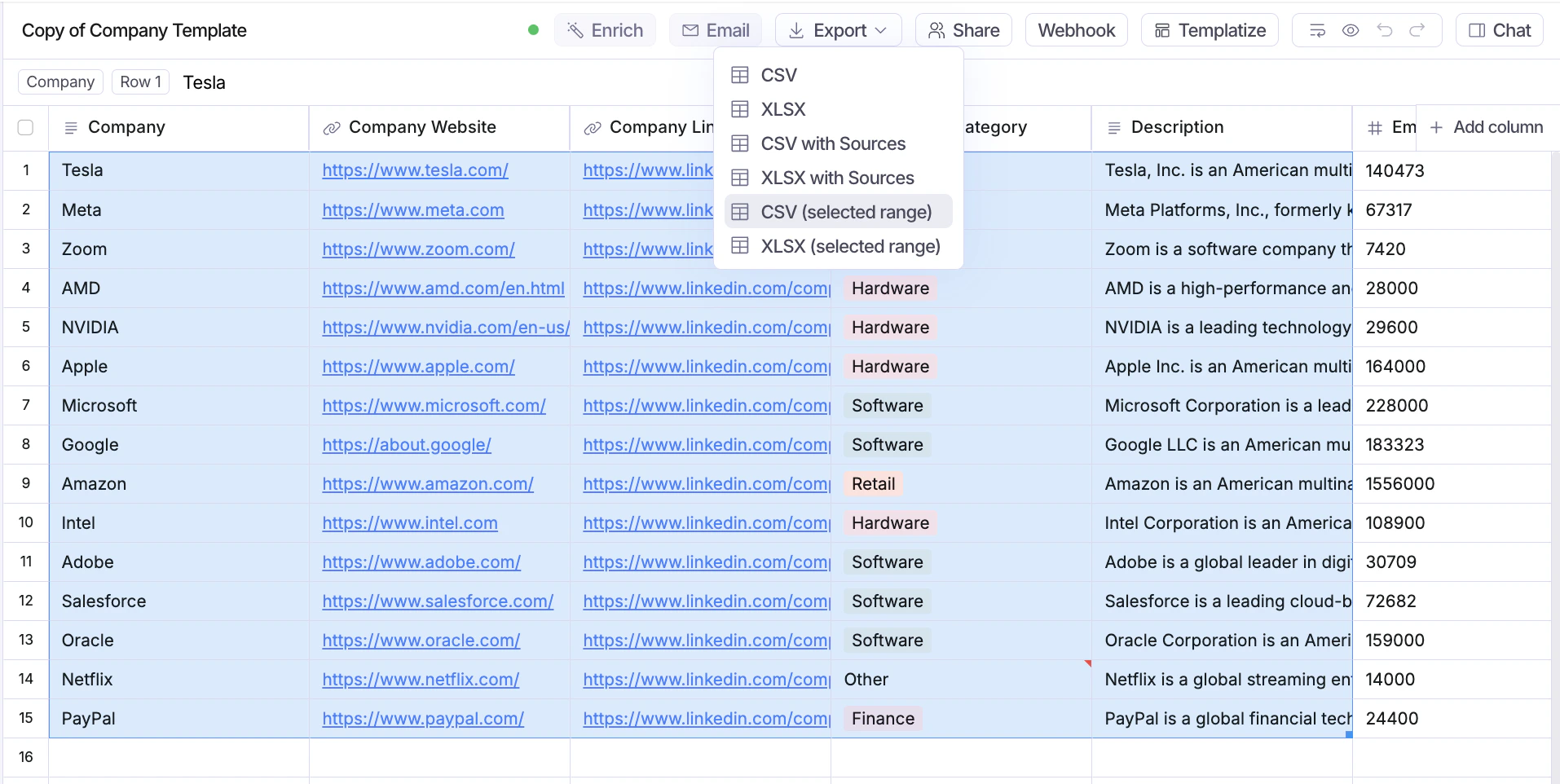
 You can also export just selected ranges of a sheet, instead of the entire sheet.
 ## Related topics
- [Plans](/billing/plans.md)
- [Webhooks](/sheet-actions/webhook.md)
- [Recovering Data](/platform/recovering-data.md)
- [Enrich Data](/sheet-actions/enrich.md)
- [Upload Data](/sheet-setup/upload.md)
## Related topics
- [Plans](/billing/plans.md)
- [Webhooks](/sheet-actions/webhook.md)
- [Recovering Data](/platform/recovering-data.md)
- [Enrich Data](/sheet-actions/enrich.md)
- [Upload Data](/sheet-setup/upload.md)