> ## Documentation Index
> Fetch the complete documentation index at: https://docs.paradigmai.com/llms.txt
> Use this file to discover all available pages before exploring further.
# Enrich Data
Clicking the `Enrich` button will trigger a series of enrichment actions on the selected rows. Context is shared across each row, allowing the agent to leverage any context or previously enriched data to improve overall data quality.
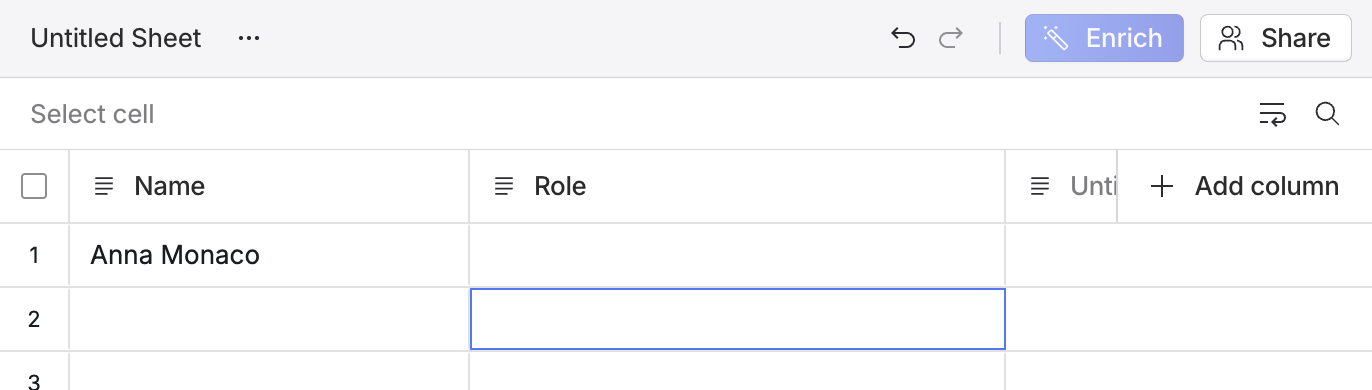
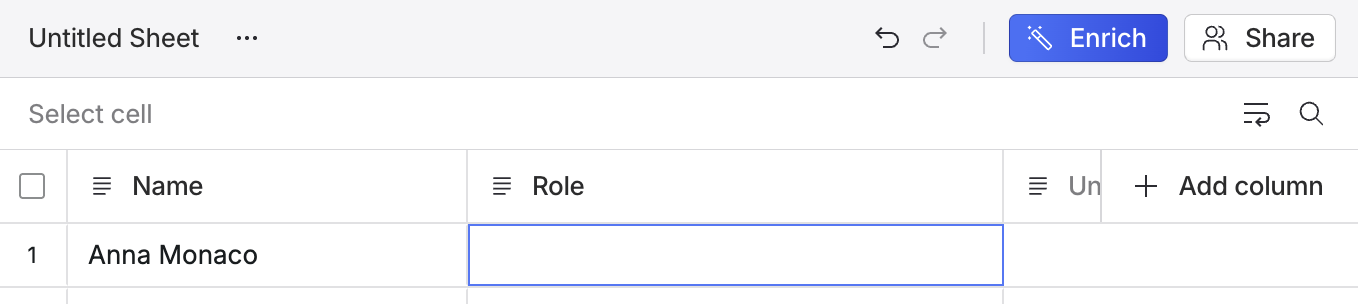 Since enrichment depends on the context of the row, we disable the enrichment button when the row is empty.
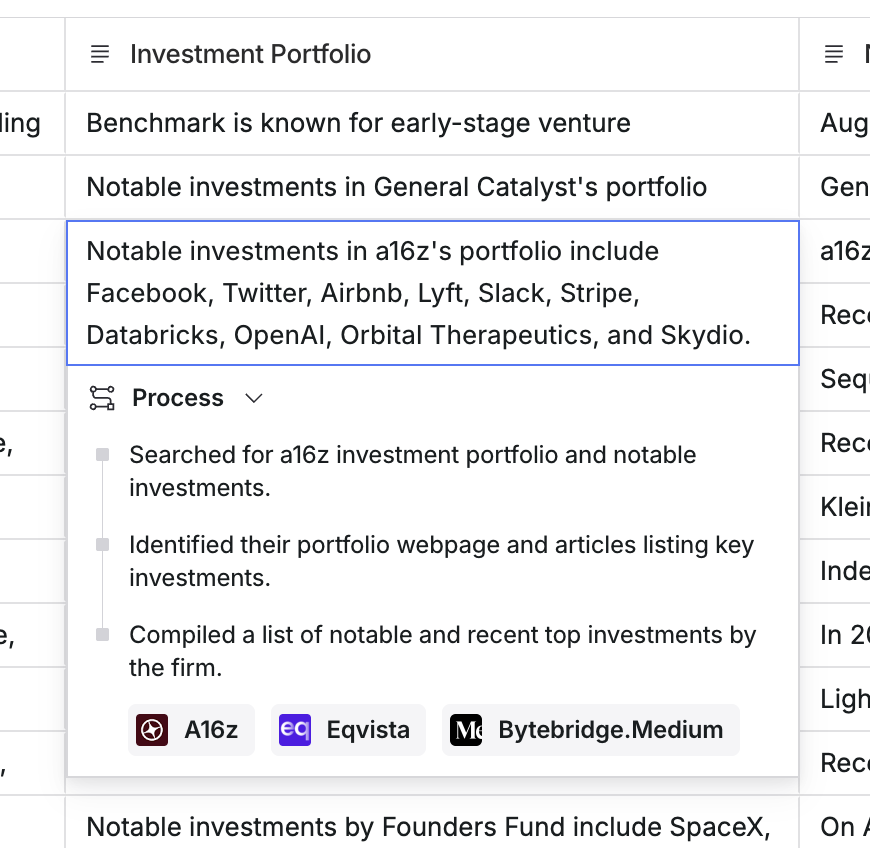
 Once an enrichment is complete, you can double-click on the cell to see the agent's reasoning and all cited sources.