> ## Documentation Index
> Fetch the complete documentation index at: https://docs.paradigmai.com/llms.txt
> Use this file to discover all available pages before exploring further.
# Create Template
Paradigm has an ecosystem where you can create and share templates.
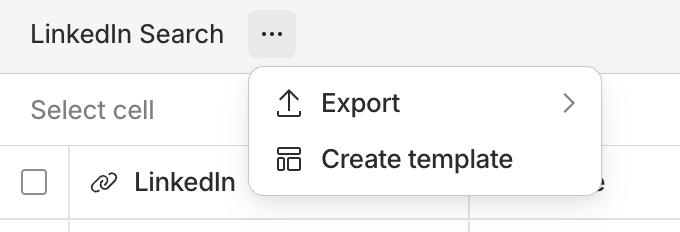
Within an existing sheet, click the three dots to the right of the sheet title and select `Create template` to make a template with your existing column setup.
 This will preserve all column prompts and settings.
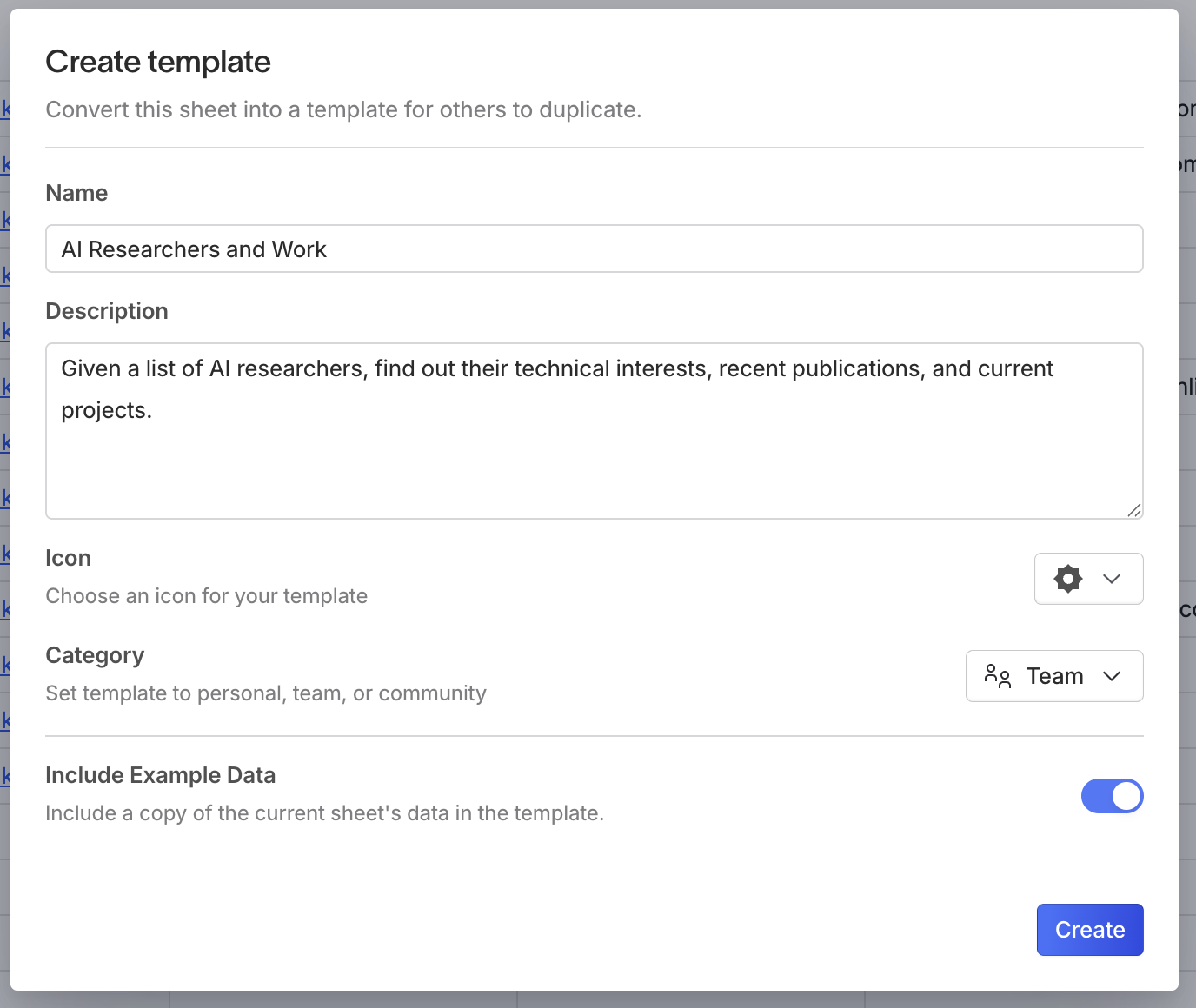
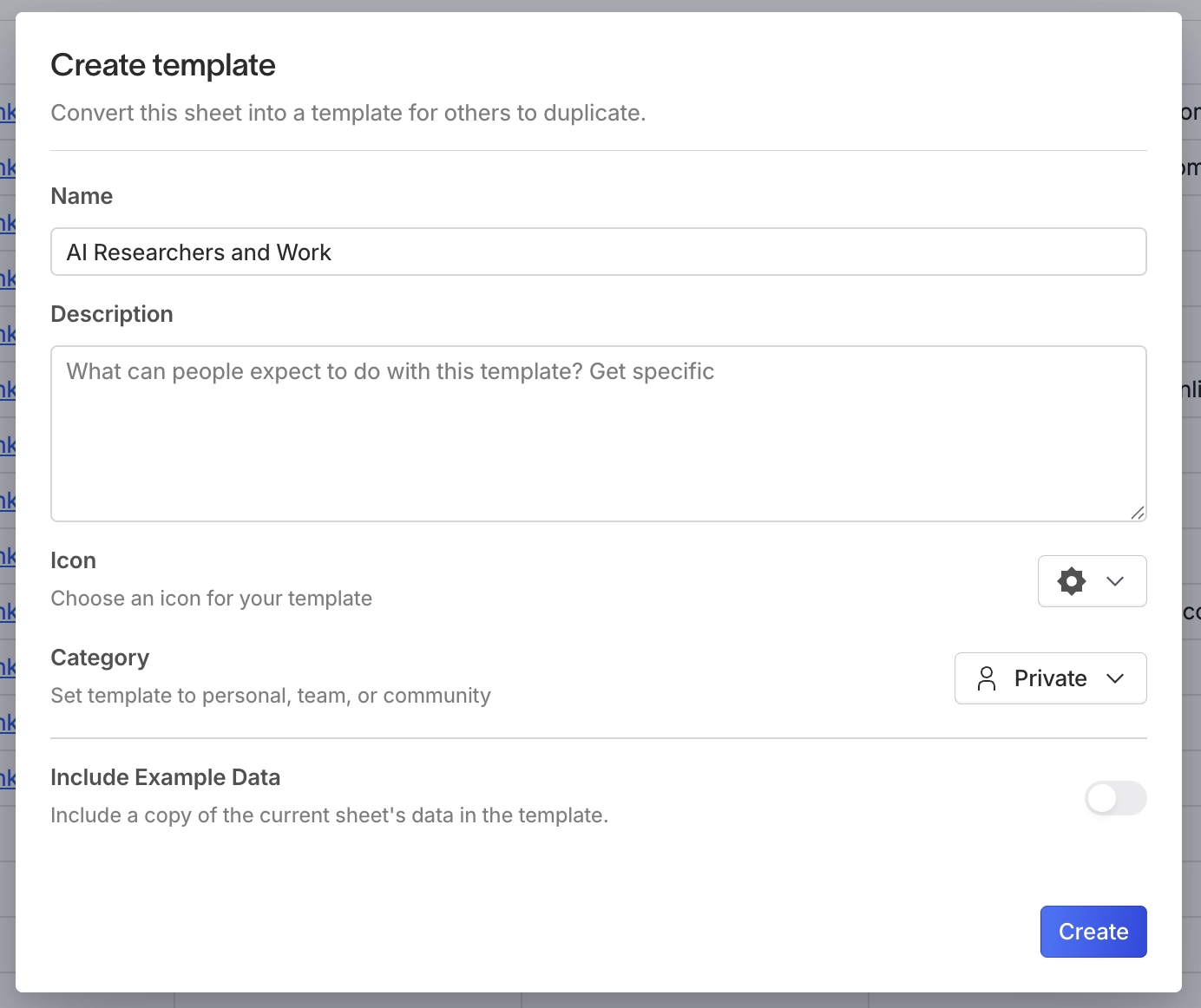 Templates can be private, restricted to your team, or completely public. You can optionally include starting data in your template.
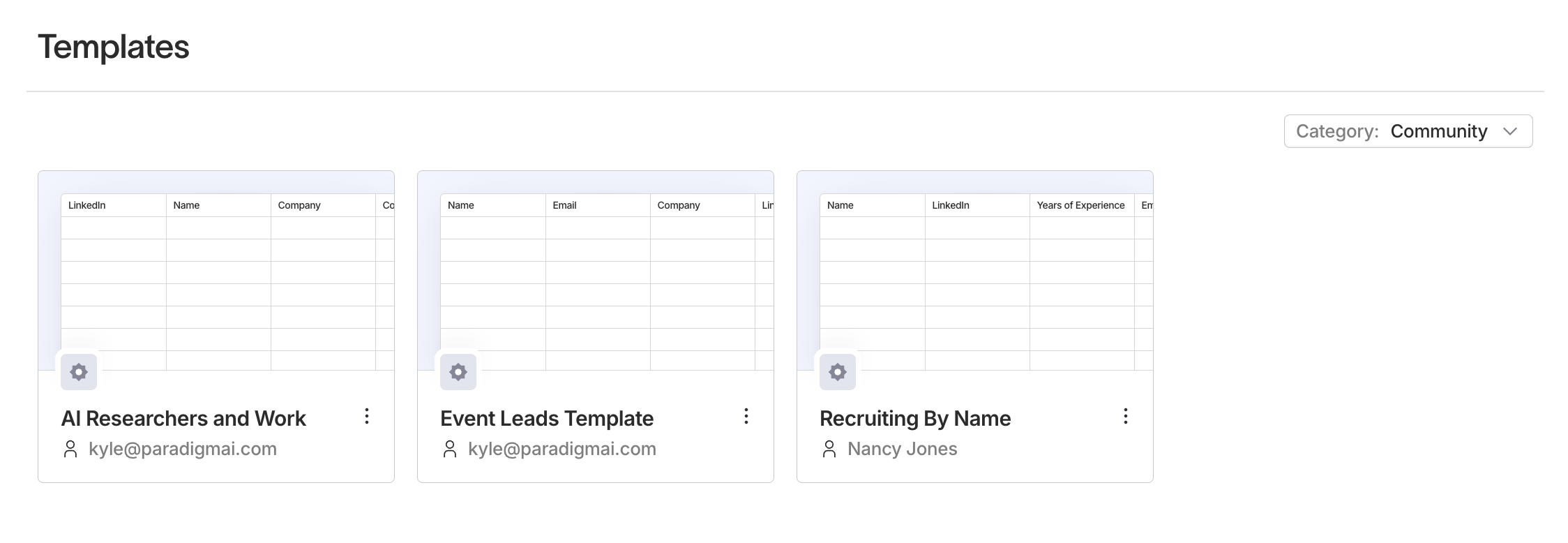
 Once you publish a template, you can see it in the `Templates` page under Community, Team, or Private, depending on which visibility option you selected.