> ## Documentation Index
> Fetch the complete documentation index at: https://docs.paradigmai.com/llms.txt
> Use this file to discover all available pages before exploring further.
# Teams
Manage your team by clicking on the name of your workspace at the top of the left sidebar and selecting `Manage members`.
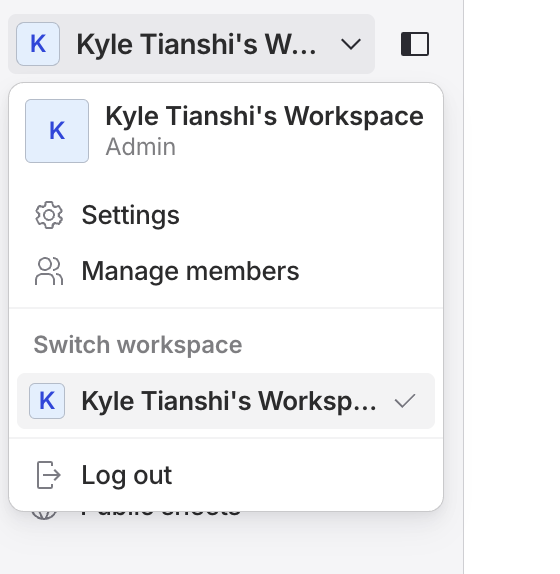 From this panel, you can rename your team and invite your team members to join. You can invite up to ten members with the Pro plan and up to hundred with the Business plan.
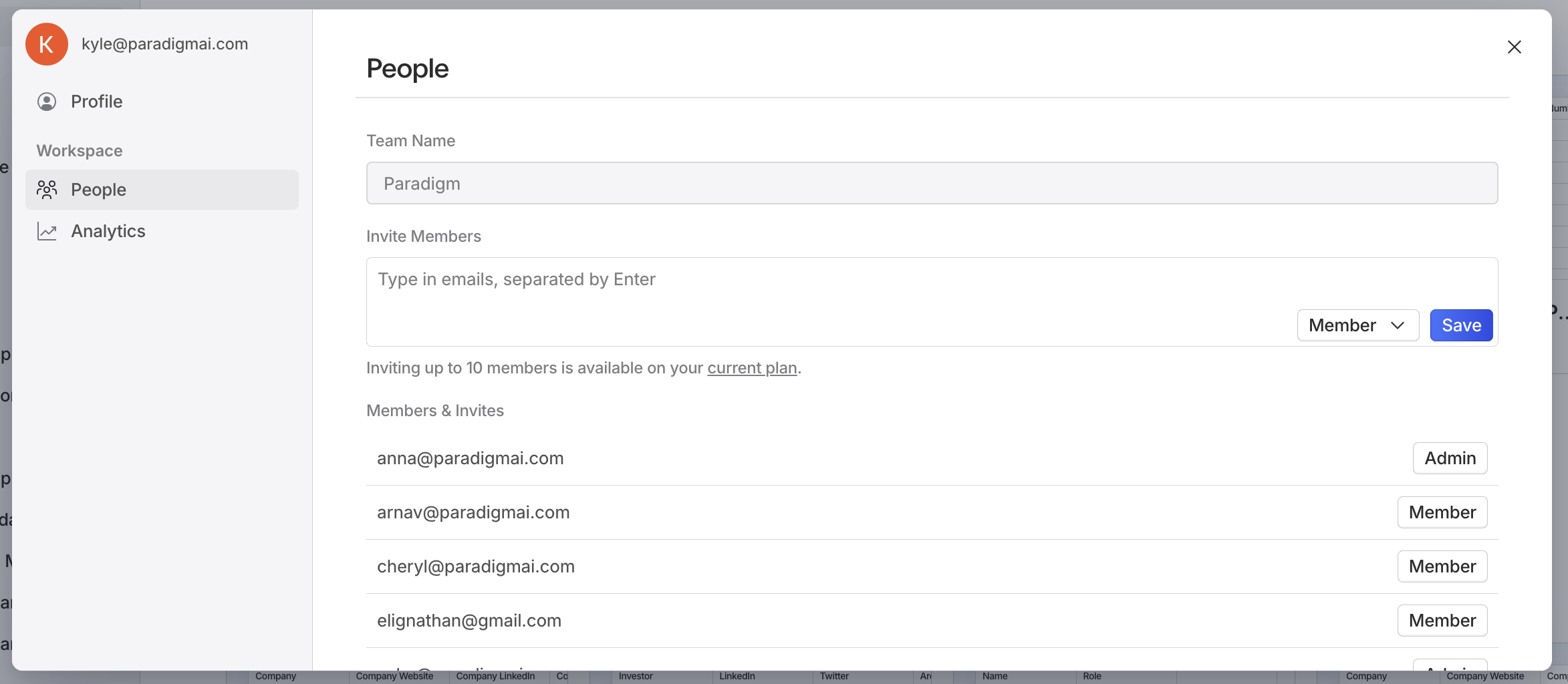 Now, add your team members to the team by clicking the `Invite Members` button. You can set invited members to be admins or members.
 They will show up as invited in your settings until they accept or reject the invite. You can also revoke invites by clicking the `⊖` button.
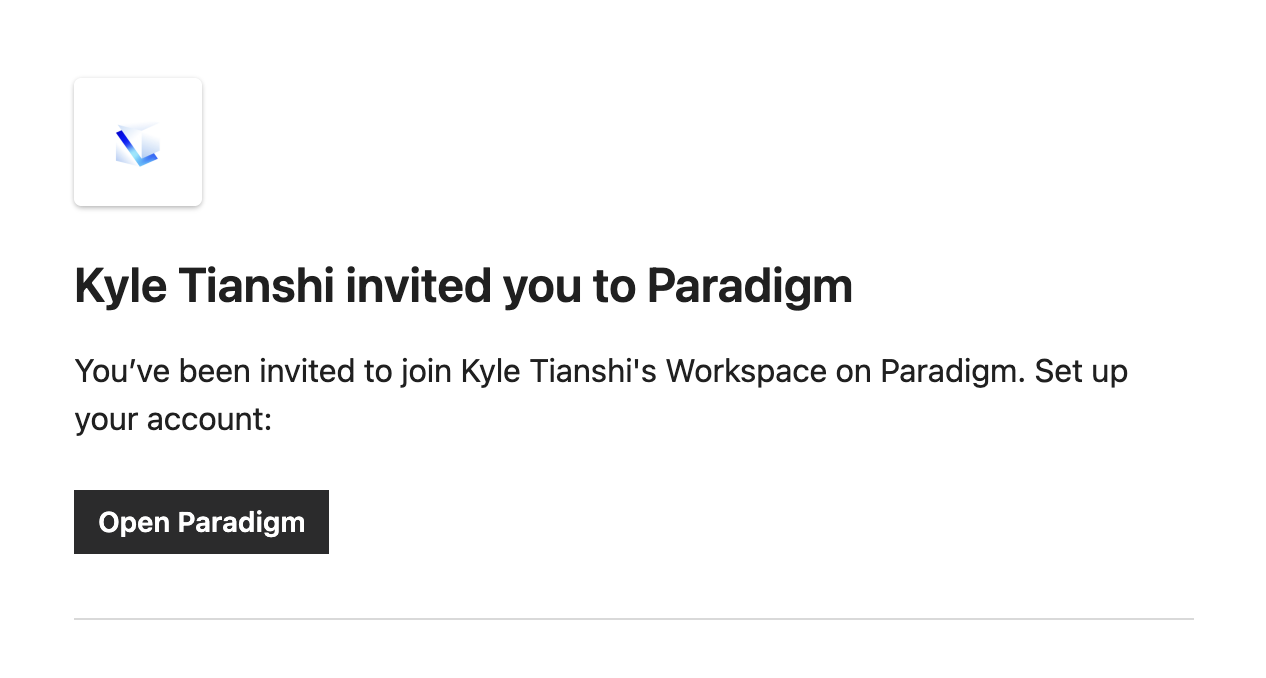
 On their end, they will receive an email with a link to join the team.
 They will also be prompted within Paradigm to accept or reject the organization invite in the `Switch workspace` panel.
