> ## Documentation Index
> Fetch the complete documentation index at: https://docs.paradigmai.com/llms.txt
> Use this file to discover all available pages before exploring further.
# Quickstart
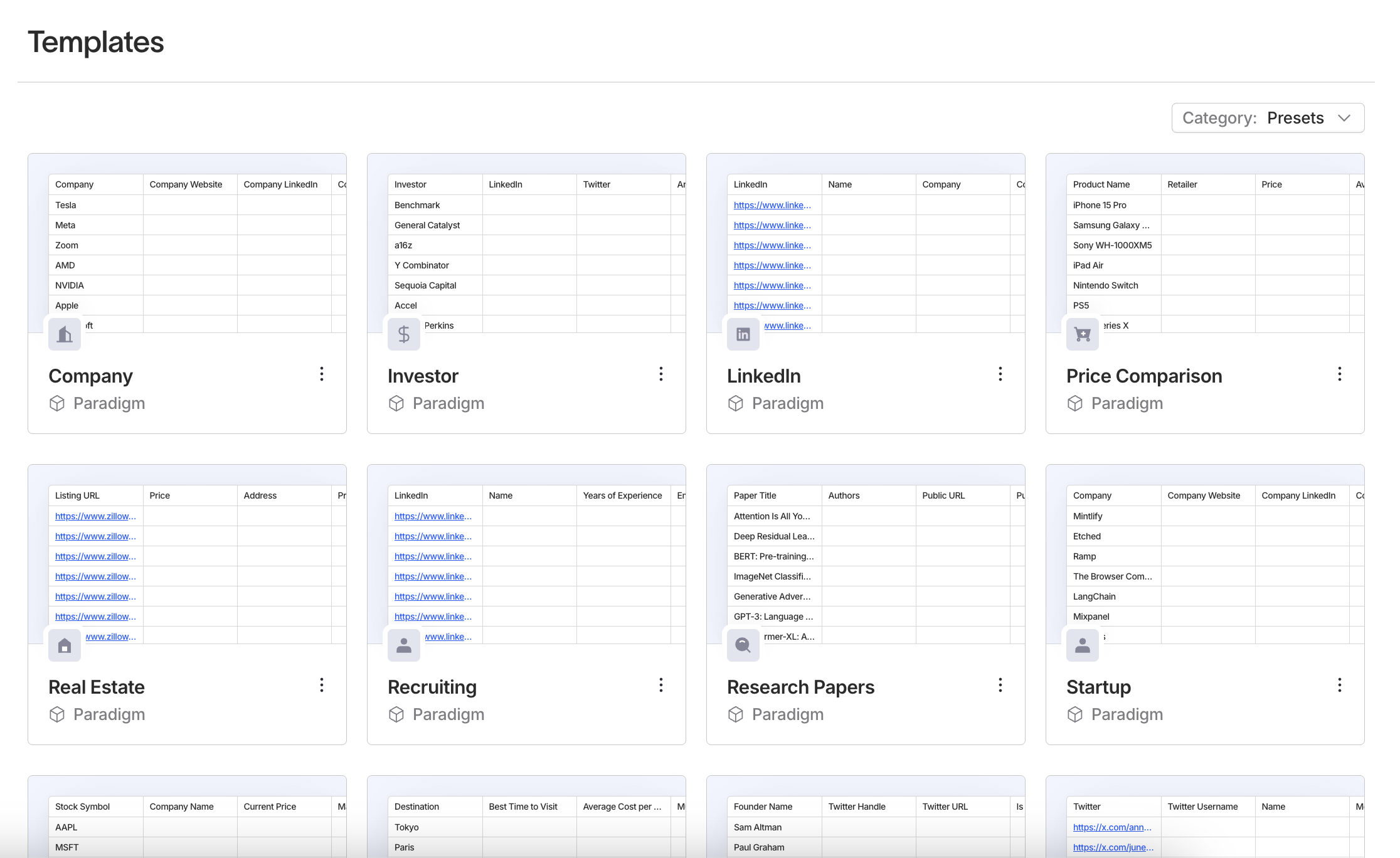
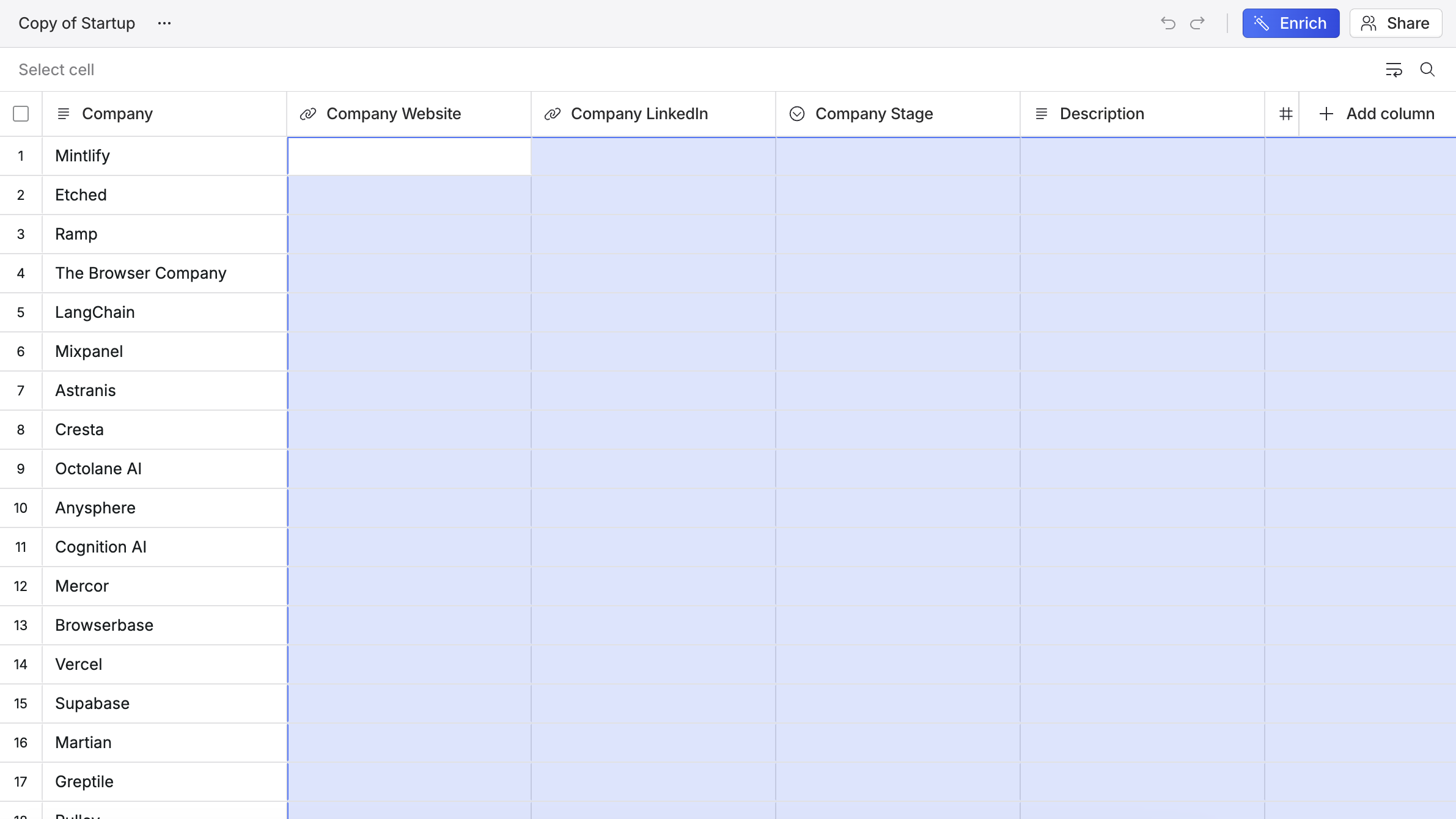
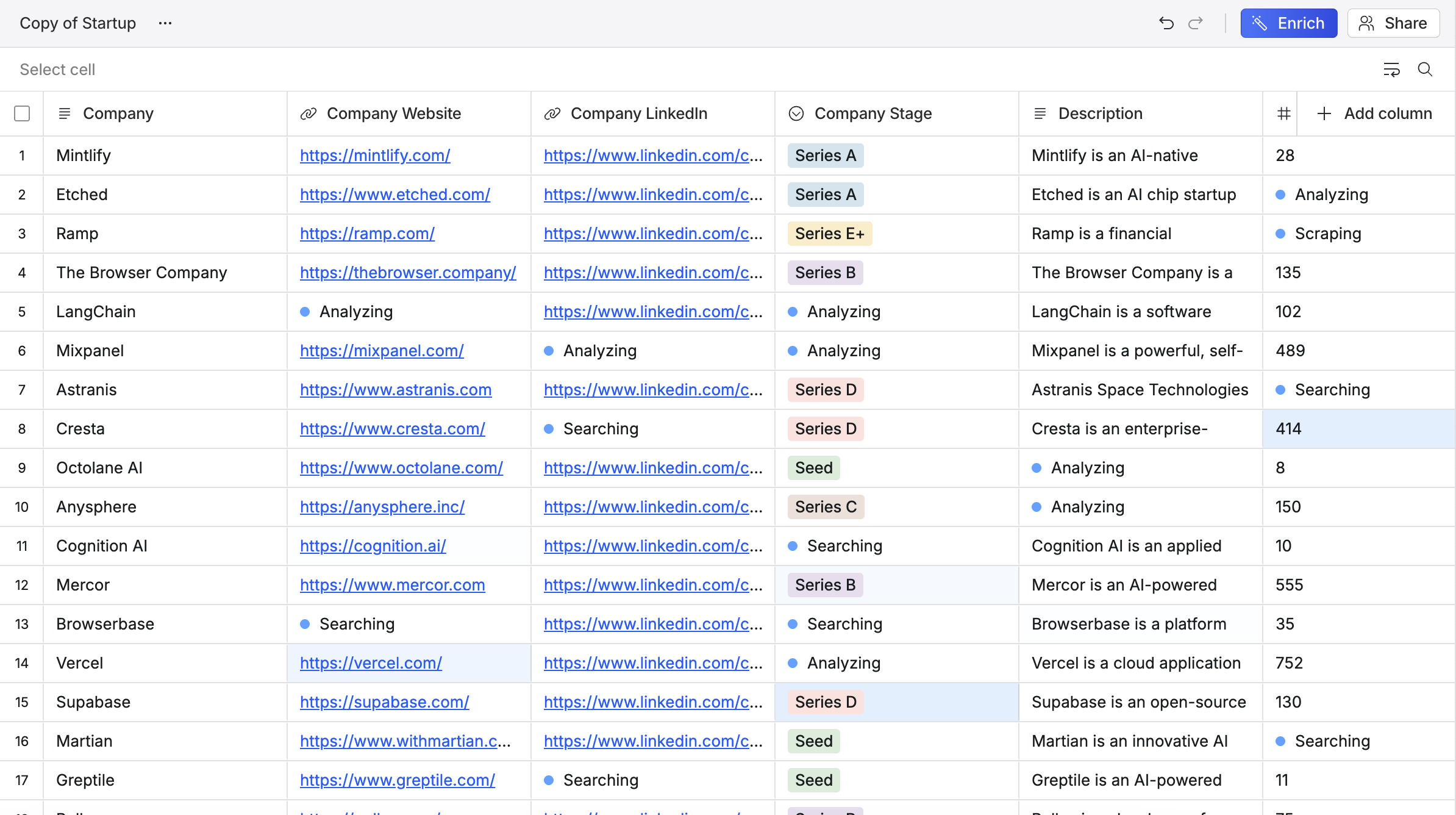
To get started with Paradigm, navigate to the Templates tab, click on a template, and select all the empty cells. Then click `Enrich` and watch as the data populates in.
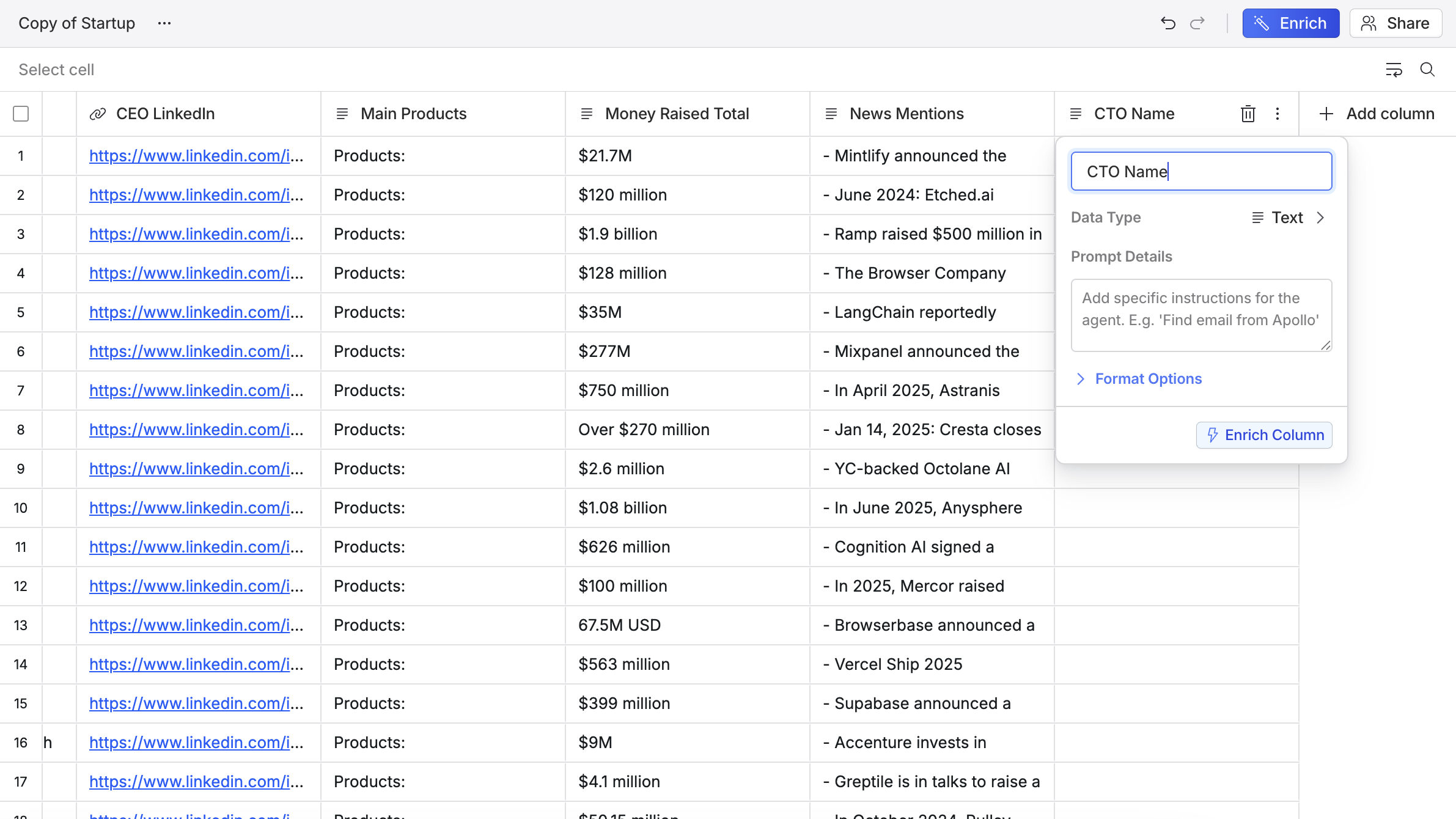
 You can now try adding a column like "CTO Name" or "Competitive Analysis", selecting those columns, and clicking Enrich again. If you click on an existing column header, you can see how columns are set up.
 Lastly, create a blank sheet, type or paste data into the first column, and add enrichment columns from there.