> ## Documentation Index
> Fetch the complete documentation index at: https://docs.paradigmai.com/llms.txt
> Use this file to discover all available pages before exploring further.
# Column Type
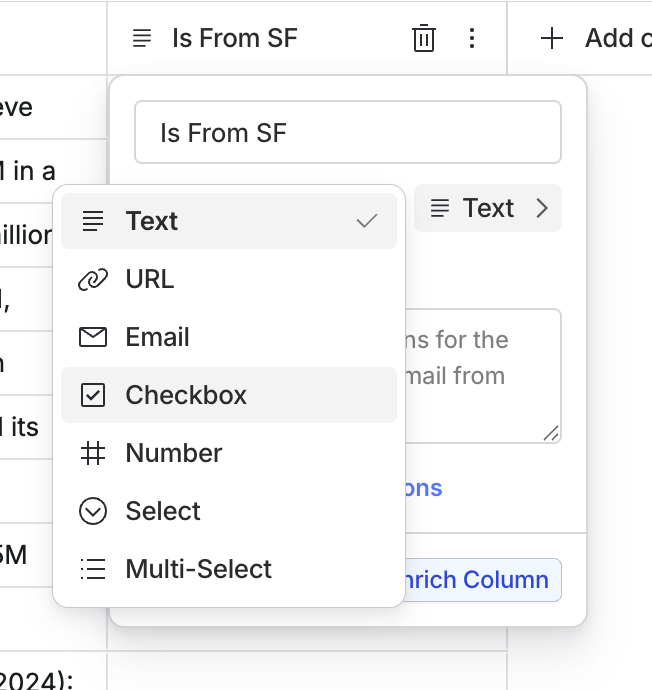
This section outlines the seven column types available in the system and provides details on the format options for the Text and Number column types.
## Setting Column Types
After typing in a column name, click the type dropdown to set the column type.
 ## Column Types
### Text
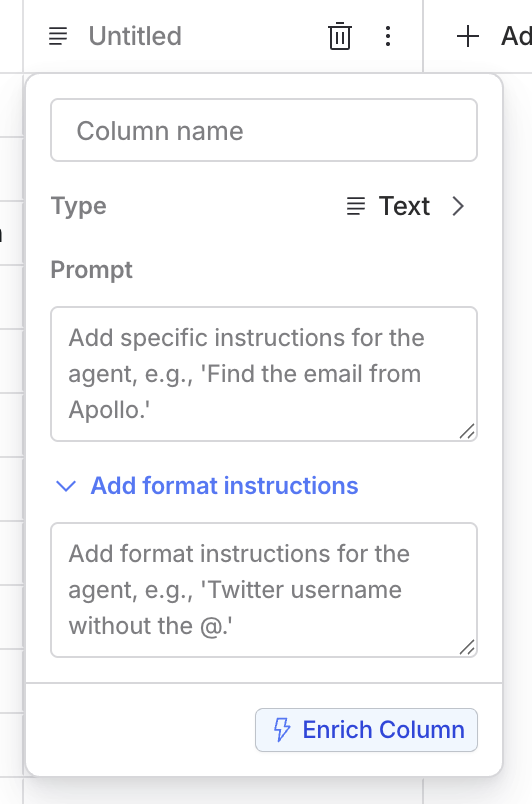
Used for general text input.
**Format Details**: - **Optional**: Explain how you want the column data to be formatted.
## Column Types
### Text
Used for general text input.
**Format Details**: - **Optional**: Explain how you want the column data to be formatted.
 ### Number
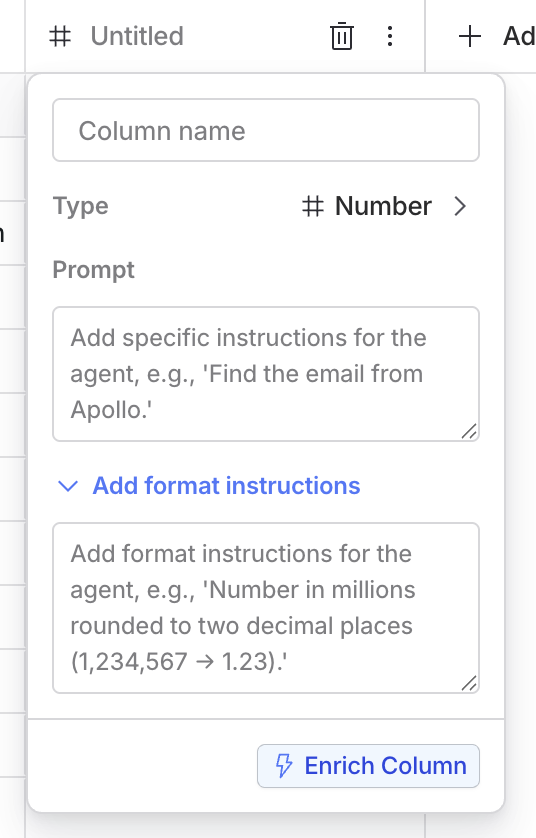
Used for numerical data.
### Number
Used for numerical data.
 ### Checkbox
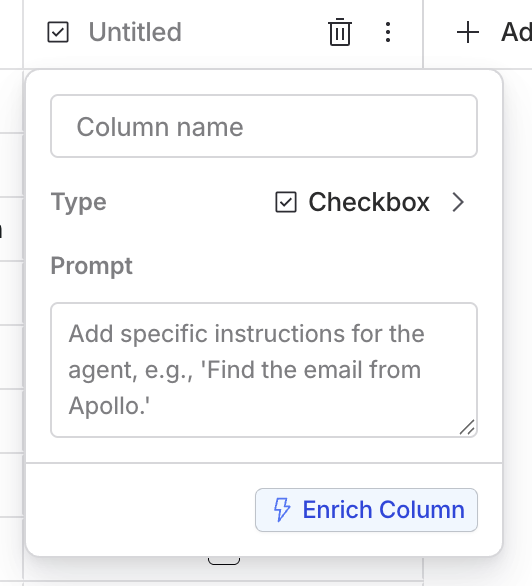
Used for boolean values, allowing a check or an uncheck option.
### Checkbox
Used for boolean values, allowing a check or an uncheck option.
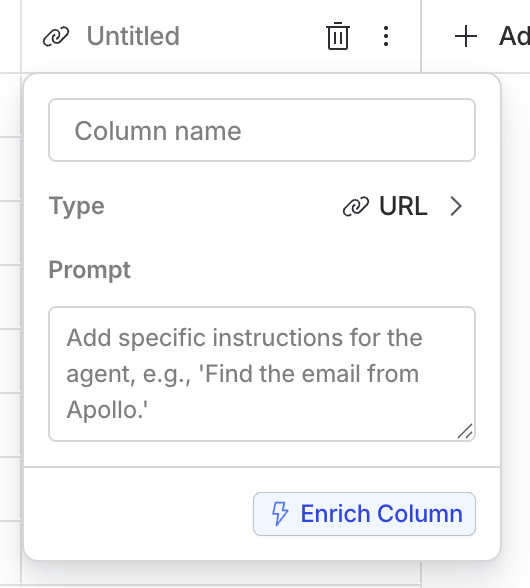
 ### URL
Used for URLs or hyperlinks.
### URL
Used for URLs or hyperlinks.
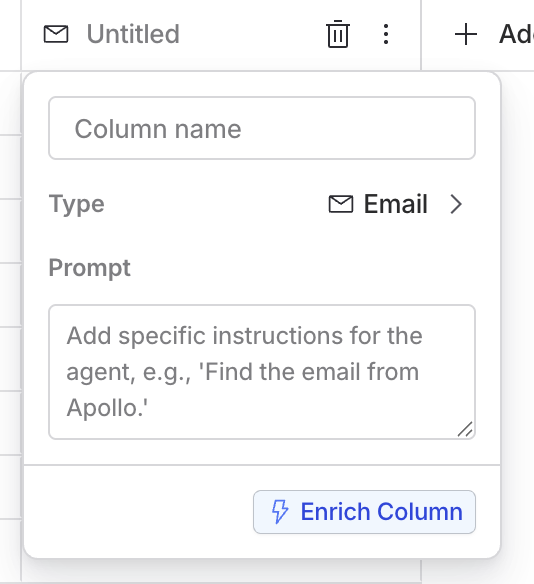
 ### Email
Used for email addresses.
### Email
Used for email addresses.
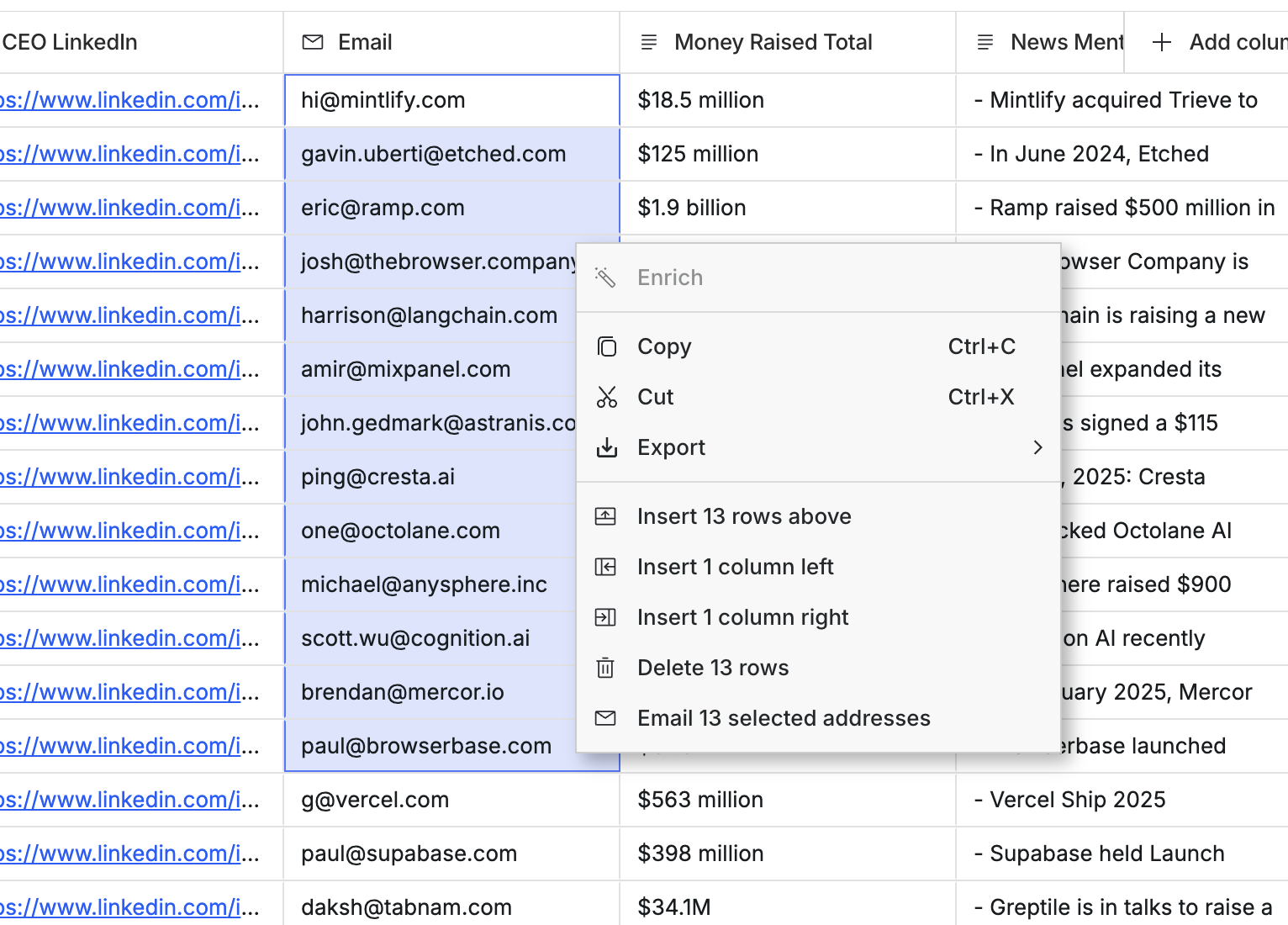
 Initiate an email action on the selected emails in an `Email` type column. [Read more here](https://docs.paradigmai.com/sheet-actions/email)
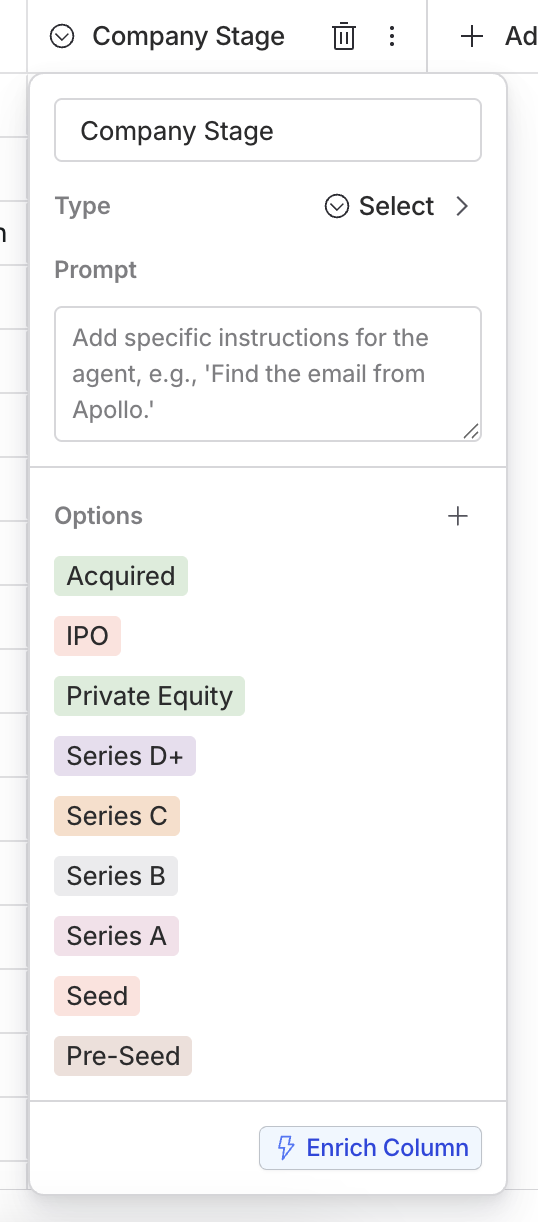
 ### Select
Allows selection from a predefined list of options.
### Select
Allows selection from a predefined list of options.
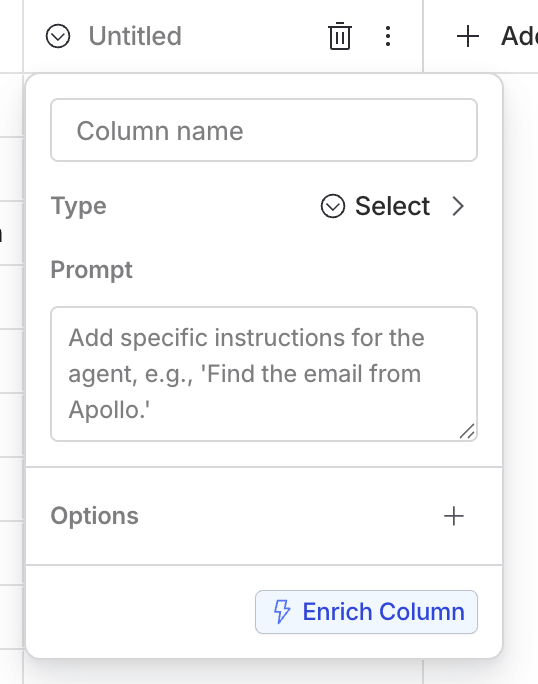 Click the `+` button to add a new field to your list of options.
 ### Multi-select
Allows selection of multiple options from a predefined list.
### Multi-select
Allows selection of multiple options from a predefined list.
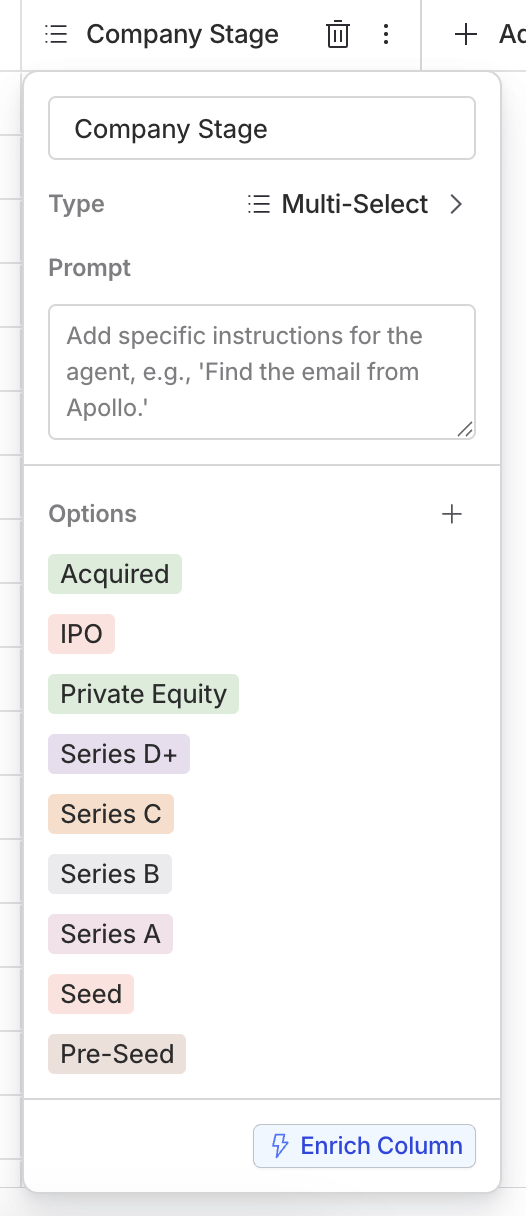 Multi-selects are similar to selects, but allow for multiple selections.